
Gmail
Gmail is Google's cloud based email service that allows you to access your messages from any computer or device with just a web browser.
Gmail is Google’s cloud based email service that allows you to access your messages from any computer or device with just a web browser.

Supports authentication: OAuth 2.0
Configure redirect URL
Section titled “Configure redirect URL”-
Open the Scalekit dashboard
Section titled “Open the Scalekit dashboard”In Scalekit dashboard, go to Agent Auth → Create Connection.
-
Create a Gmail connection
Section titled “Create a Gmail connection”Find Gmail from the list of providers and click Create.
-
Copy the redirect URI
Section titled “Copy the redirect URI”Click Use your own credentials and copy the redirect URI — it will look like
https://{your-env-url}/sso/v1/oauth/{connection_id}/callback.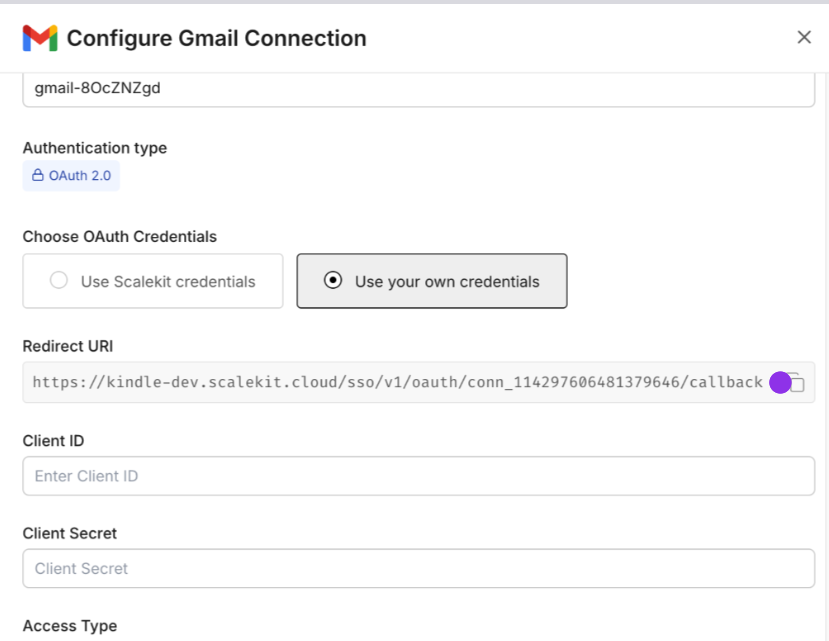
-
Open Google Cloud Console
Section titled “Open Google Cloud Console”Navigate to Google Cloud Console’s APIs & Services > Credentials
-
Create an OAuth client ID
Section titled “Create an OAuth client ID”Select + Create Credentials, then OAuth client ID
-
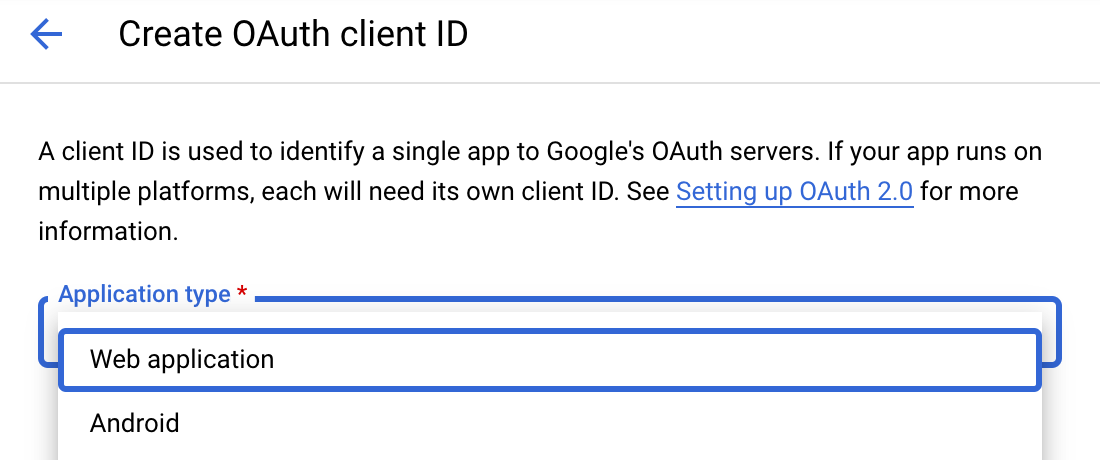
Select web application type
Section titled “Select web application type”Choose Web application from the Application type menu
-
Add the redirect URI
Section titled “Add the redirect URI”Under Authorized redirect URIs, click + Add URI, paste the redirect URI, and select Create.
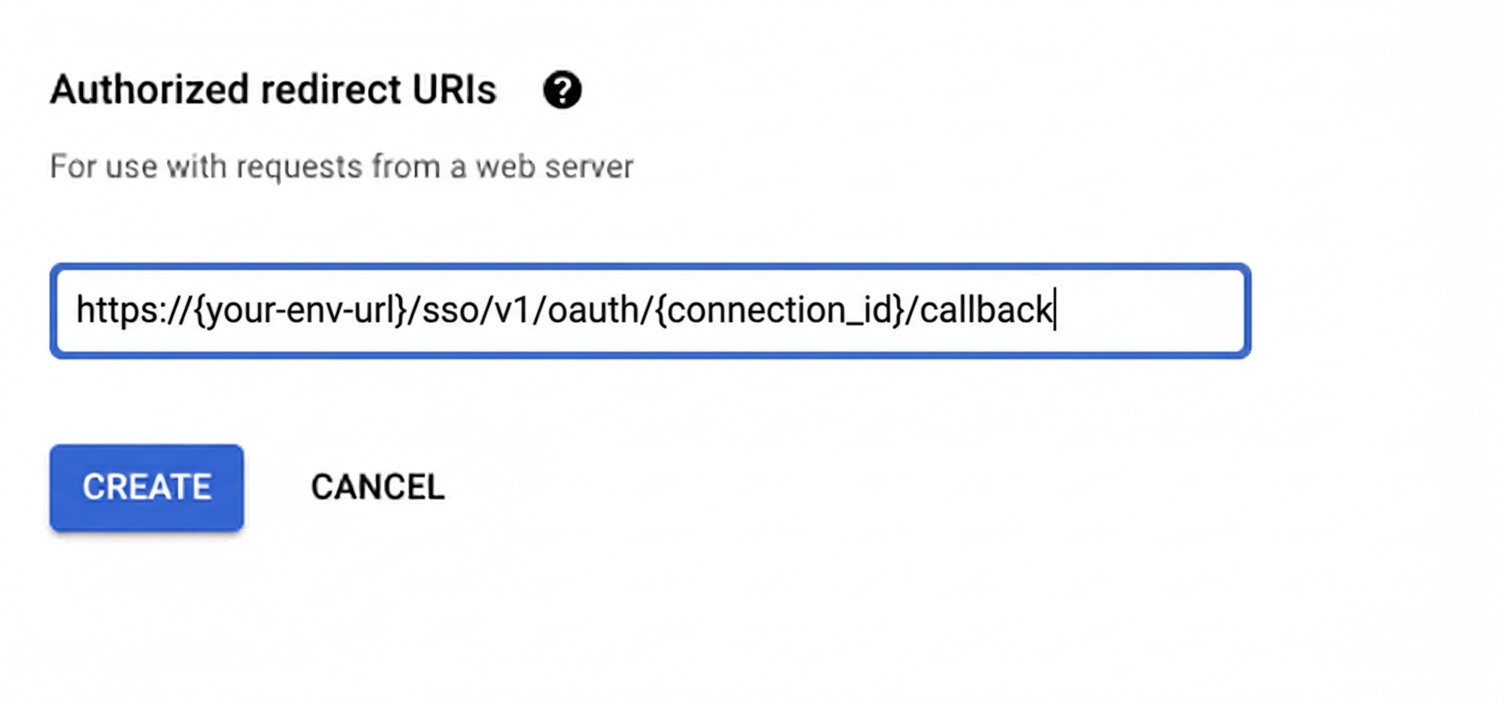
Google provides your Client ID and Client Secret credentials.
Enable Gmail API
Section titled “Enable Gmail API”-
Open the API Library
Section titled “Open the API Library”In Google Cloud Console, go to APIs & Services > Library
-
Search for the Gmail API
Section titled “Search for the Gmail API”Search for “Gmail” in the API Library
-
Select the Gmail API
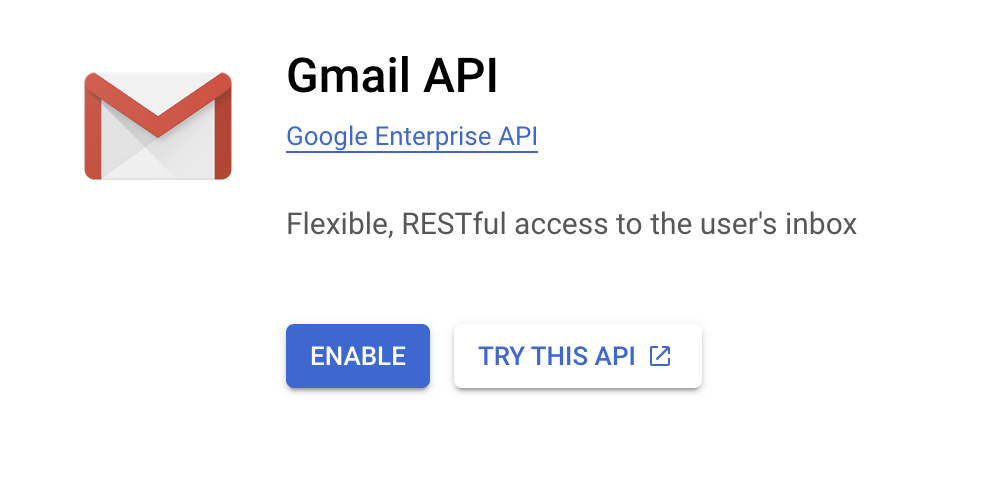
Section titled “Select the Gmail API”Select Gmail API
-
Enable the API
Section titled “Enable the API”Press the blue Enable button
Add credentials
Section titled “Add credentials”-
Open your connection settings
Section titled “Open your connection settings”In Scalekit dashboard, go to Agent Auth → Connections and open the connection you created.
-
Enter your credentials
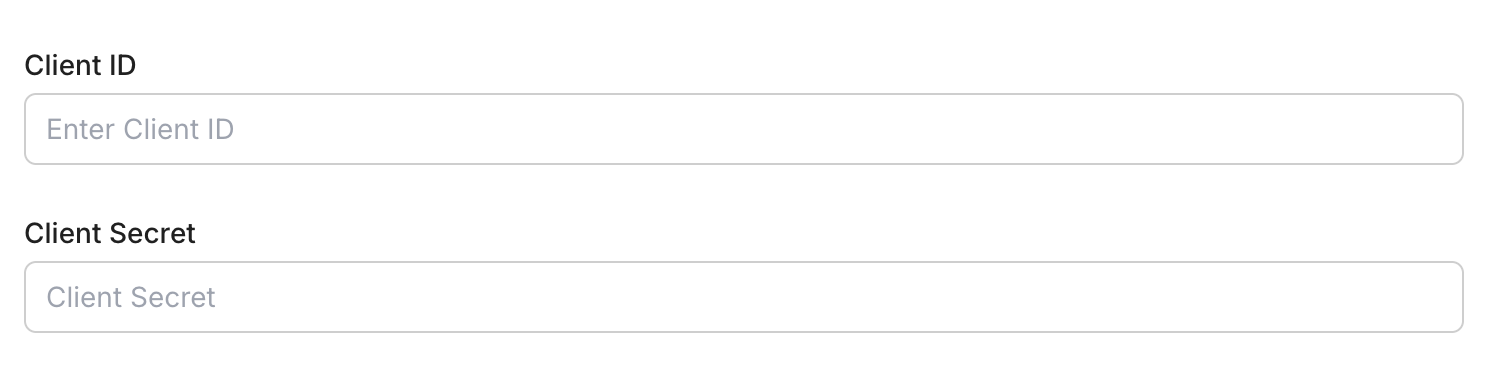
Section titled “Enter your credentials”Enter your credentials:
- Client ID (from above)
- Client Secret (from above)
- Permissions (scopes beginning with
gmail— see Google API Scopes reference)
-
Save the connection
Section titled “Save the connection”Click Save
Connect a user’s Gmail account and make API calls on their behalf — Scalekit handles OAuth and token management automatically.
import scalekit.client, osfrom dotenv import load_dotenvload_dotenv()
connection_name = "gmail" # get your connection name from connection configurationsidentifier = "user_123" # your unique user identifier
# Get your credentials from app.scalekit.com → Developers → Settings → API Credentialsscalekit_client = scalekit.client.ScalekitClient( client_id=os.getenv("SCALEKIT_CLIENT_ID"), client_secret=os.getenv("SCALEKIT_CLIENT_SECRET"), env_url=os.getenv("SCALEKIT_ENV_URL"),)actions = scalekit_client.actions
# Authenticate the userlink_response = actions.get_authorization_link( connection_name=connection_name, identifier=identifier)# present this link to your user for authorization, or click it yourself for testingprint("🔗 Authorize Gmail:", link_response.link)input("Press Enter after authorizing...")
# Make a request via Scalekit proxyresult = actions.request( connection_name=connection_name, identifier=identifier, path="/v1/users/me/profile", method="GET")print(result)Tool list
Section titled “Tool list”gmail_fetch_mails
Section titled “gmail_fetch_mails”Fetch emails from a connected Gmail account using search filters. Requires a valid Gmail OAuth2 connection.
| Name | Type | Required | Description |
|---|---|---|---|
format | string | No | Format of the returned message. |
include_spam_trash | boolean | No | Whether to fetch emails from spam and trash folders |
label_ids | array<string> | No | Gmail label IDs to filter messages |
max_results | integer | No | Maximum number of emails to fetch |
page_token | string | No | Page token for pagination |
query | string | No | Search query string using Gmail’s search syntax (e.g., ‘is:unread from:user@example.com’) |
schema_version | string | No | Optional schema version to use for tool execution |
tool_version | string | No | Optional tool version to use for execution |
gmail_get_attachment_by_id
Section titled “gmail_get_attachment_by_id”Retrieve a specific attachment from a Gmail message using the message ID and attachment ID.
| Name | Type | Required | Description |
|---|---|---|---|
attachment_id | string | Yes | Unique Gmail attachment ID |
file_name | string | No | Preferred filename to use when saving/returning the attachment |
message_id | string | Yes | Unique Gmail message ID that contains the attachment |
schema_version | string | No | Optional schema version to use for tool execution |
tool_version | string | No | Optional tool version to use for execution |
gmail_get_contacts
Section titled “gmail_get_contacts”Fetch a list of contacts from the connected Gmail account. Supports pagination and field filtering.
| Name | Type | Required | Description |
|---|---|---|---|
max_results | integer | No | Maximum number of contacts to fetch |
page_token | string | No | Token to retrieve the next page of results |
person_fields | array<string> | No | Fields to include for each person |
schema_version | string | No | Optional schema version to use for tool execution |
tool_version | string | No | Optional tool version to use for execution |
gmail_get_message_by_id
Section titled “gmail_get_message_by_id”Retrieve a specific Gmail message using its message ID. Optionally control the format of the returned data.
| Name | Type | Required | Description |
|---|---|---|---|
format | string | No | Format of the returned message. |
message_id | string | Yes | Unique Gmail message ID |
schema_version | string | No | Optional schema version to use for tool execution |
tool_version | string | No | Optional tool version to use for execution |
gmail_list_drafts
Section titled “gmail_list_drafts”List draft emails from a connected Gmail account. Requires a valid Gmail OAuth2 connection.
| Name | Type | Required | Description |
|---|---|---|---|
max_results | integer | No | Maximum number of drafts to fetch |
page_token | string | No | Page token for pagination |
schema_version | string | No | Optional schema version to use for tool execution |
tool_version | string | No | Optional tool version to use for execution |
gmail_search_people
Section titled “gmail_search_people”Search people or contacts in the connected Google account using a query. Requires a valid Google OAuth2 connection with People API scopes.
| Name | Type | Required | Description |
|---|---|---|---|
other_contacts | boolean | No | Whether to include people not in the user’s contacts (from ‘Other Contacts’). |
page_size | integer | No | Maximum number of people to return. |
person_fields | array<string> | No | Fields to retrieve for each person. |
query | string | Yes | Text query to search people (e.g., name, email address). |
schema_version | string | No | Optional schema version to use for tool execution |
tool_version | string | No | Optional tool version to use for execution |